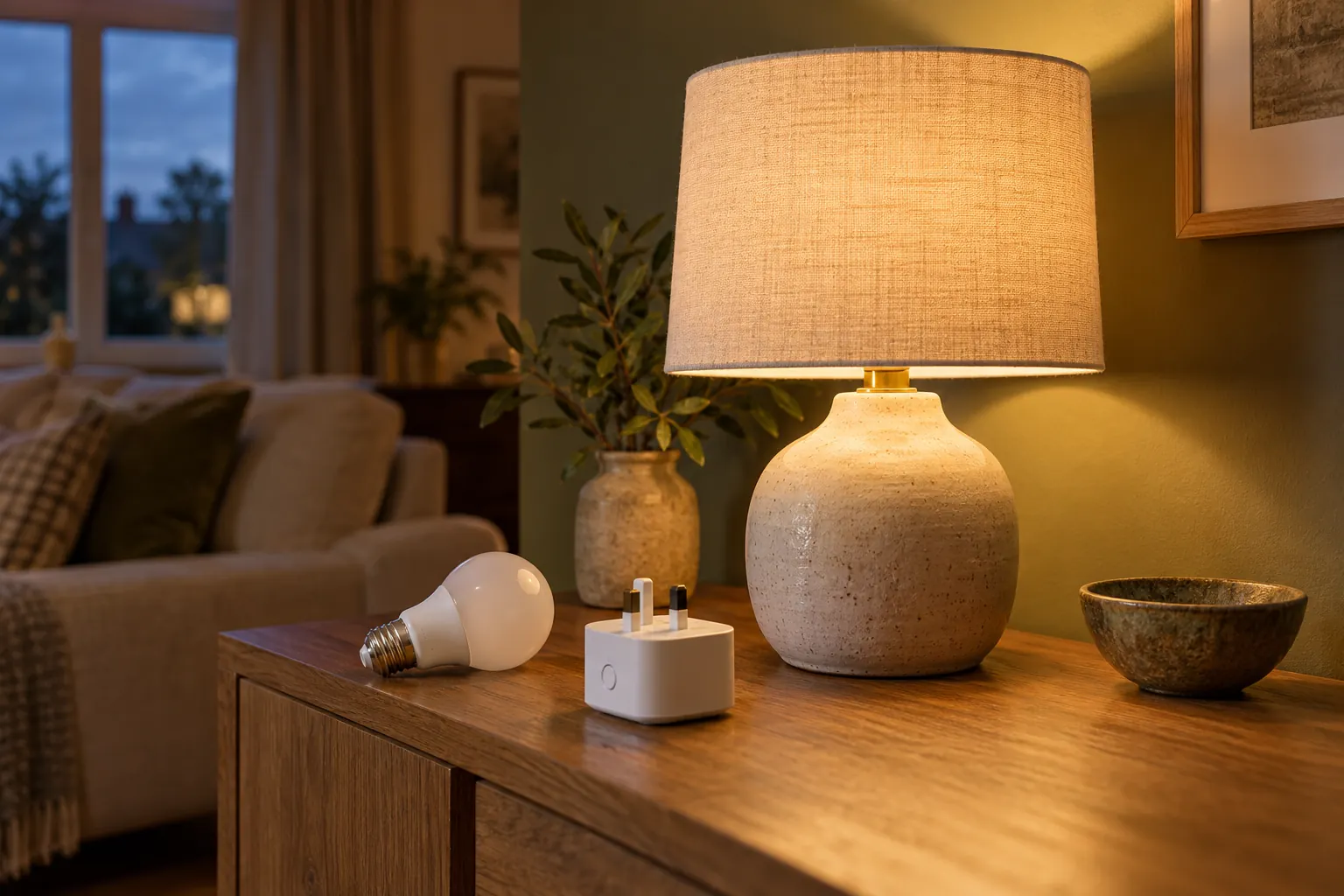
A favourite table lamp can make a room feel warmer without needing to look like a gadget. Adding smart control is one way to put it on a routine or switch it from across the room, but the best approach depends on what you want the lamp to do.
A smart bulb changes the light source. A smart plug controls the power supplied to the lamp. That distinction matters more than the appearance of the app. This is a buying and planning guide, rather than a hands-on product test.
Start with the control you actually need
For a lamp you simply want to turn on and off at particular times, a suitable smart plug may be enough. If you want adjustable brightness or changes in the colour of the light, look at a compatible smart bulb with those specific capabilities.
Smart does not automatically mean dimmable, tunable white or colour-changing. Check the exact model description. Likewise, a standard on/off smart plug should not be treated as a dimmer.
Think in terms of a routine: a low reading light after dinner, a group of lamps switched together or a hallway lamp that follows a schedule. Being clear about the result makes the specifications easier to compare.
When a smart plug makes sense
A plug can preserve the bulb and appearance of an existing lamp. The lamp plugs into the smart plug, which then controls its supply. The lamp must behave appropriately when power is restored and its own switch must be in the correct position.
A simple mechanical switch is worth checking in practice. A lamp with a touch control, built-in electronics or its own dimmer may behave differently: it could return to an off state or need manual input. Read both products’ instructions and confirm compatibility before buying.
As a manufacturer example, Philips Hue describes its smart plug as a way to add existing lights to its system. Its documented control is on/off; that is different from the brightness and colour capabilities available on some of its bulbs. This example is not a recommendation for every lamp or household.
When a smart bulb is the better fit
A smart bulb is useful when the light itself needs adjustment. Depending on the model, that might mean dimming, choosing a warmer or cooler white, or selecting colours. Check the fitting, physical dimensions and suitability for the luminaire, including any enclosed shade.
Also check whether the bulb is compatible with existing wall dimmers or other controls. Do not assume that combining two kinds of dimming will work. Follow the bulb and fitting manufacturers’ instructions.
A smart bulb generally needs power available to receive commands. If someone turns off the lamp’s physical switch, app control may stop until power is restored. A compatible dedicated remote or wall control can make the arrangement easier for other people to use.
Check the system, not just the badge
Look at what is needed to install and operate the particular device: an app, account, hub, controller, supported network or other equipment. Confirm that your preferred phone or home platform supports the functions you want.
Matter is a compatibility standard, but the label does not remove every setup question. The Connectivity Standards Alliance Matter FAQ explains the different networking and ecosystem arrangements involved. Some devices use Thread and require a suitable border router; others use Wi-Fi. Check the device’s own requirements and the platform’s current support.
Also distinguish control inside the home from control while away. Those functions can have different requirements. A product page promising voice control does not establish that it works with every speaker or without additional equipment.
Keep ordinary controls easy to understand
A room should still be comfortable for guests and anyone who does not use your phone. Decide how they will turn the lamp on, adjust it if needed and turn it off again. A clear physical control is often more useful than an elaborate routine.
Check what happens after a power cut and whether schedules or settings return as expected. Read the manufacturer’s guidance on offline behaviour, software support and account requirements. If the arrangement becomes confusing, simplify it before adding more devices.
Try one lamp first. Use it for several evenings and note the moments when you reach for the old switch. That is practical feedback about the controls you need.
Choose the light before choosing the automation
Automation cannot correct a lamp placed where it causes glare or a bulb that is uncomfortable for reading. Establish the room’s lighting needs first; our guide to accent, ambient and task lighting explains those different roles.
For a simple on/off routine, investigate a compatible plug. For adjustment of the light itself, investigate an appropriate bulb. Keep both choices within the products’ ratings and intended environment, and follow their instructions. The most useful smart lighting is the arrangement that makes the room easier to use every day.
Further Reading