When the COVID-19 pandemic first struck, working from home felt like a “make-do” situation while the world waited for the crisis to subside. However, as it has become increasingly clear that the pandemic could be with us well into next year, WFH has turned into a way of life.
That’s why the makeshift home office you probably cobbled together earlier this year might no longer suffice. Here’s how you can readjust it to make it much easier to use for the long haul.
Use a dedicated space for your home office
Ideally, you want a space you work in that feels somewhat separate and closed off from the rest of the house. That way, you can somewhat replicate the “going to work” feeling of walking into a traditional office – and keep productivity-hampering distractions from other members of the household at bay.
A guest room, enclosed porch, large laundry room or garden shed can all make good candidates for your home office, as can a loft for which Instaloft could fit an entry ladder to ease access.
However, if you don’t have a spare room to use as your home office, there are other options! There are plenty of ways to create an at-home office without having a separate room. You could use a corner of a living room or even find a nook in the kitchen where you can set up your computer and some storage space.
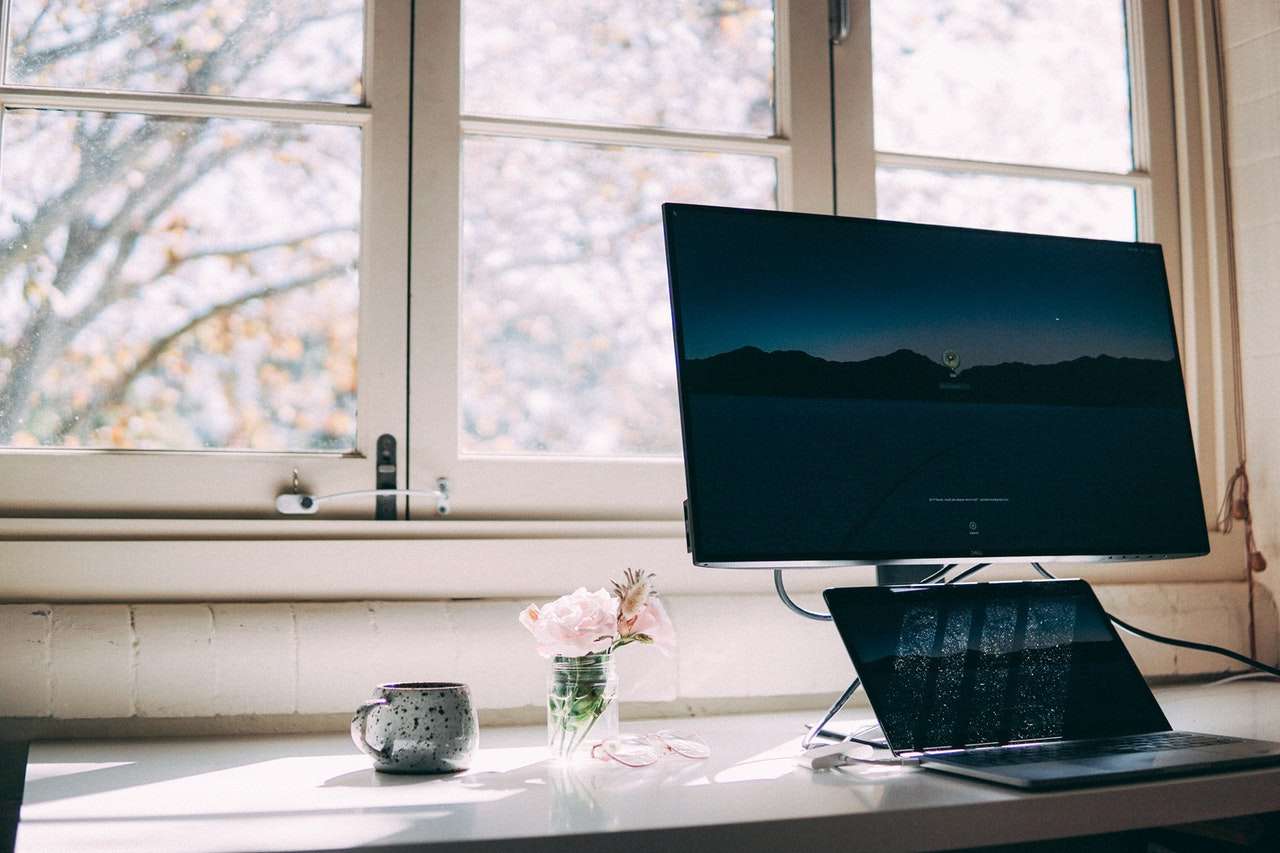
Position your computer screen at the right height
What exactly would be the “right” height? Computerworld’s Galen Gruman says it would be where your eyes are 25% to 30% below the top of your computer display. In ensuring this, you can reduce your injury risk by keeping your shoulders level and preventing your back from hunching.
Of course, that’s going to be easier with a large external monitor than with a laptop – but, if you are limited to the latter, CNBC suggests you put it on top of stacked objects like books or shoeboxes. You’re going to be living a sedentary lifestyle in front of this computer for long periods so it’s important that you get started with a comfortable position from the start.

Carefully consider what other equipment you could need
If your display is an external monitor, you will likely need a keyboard tray and a mouse or touchpad for ergonomics’ sake, as your laptop could be positioned in a way that leaves its built-in keyboard and trackpad awkward to reach.
If you will be engaging in online conference calls, you should consider using a headset, too, to prevent noises on those calls leaking into your home and inconveniencing other people living there.
You’ll also want to invest in some external hard drives or back-up cloud storage so that you have access to your digital content even if all things digital disappear for good.
Use a dedicated office chair
Seating like dining chairs and deckchairs wasn’t originally designed for work use – so, not too surprisingly, it won’t often leave users sitting at the right height or necessarily adhering to good posture. That’s why you should invest in a professional office chair if your budget allows.
You should seek such a chair with maybe a footrest that can be adjusted in height and, ideally, in seat pan tilt, arm height and lateral arm position. Your chosen chair should also provide lumbar support for the lower back to prevent back pain and a sturdy frame that can hold up to 250 pounds. Plus, it should have a soft padded fabric that won’t irritate your skin. If you’re short on space, consider purchasing an egg chair. These are small ergonomic chairs with a height adjustment mechanism at the base so they can sit on top of most office desks.
Let there be the right kind of light
When endeavouring to illuminate your work space in a way that lets you easily read documents and see other physical objects, you should make sure you have enough indirect lighting.
This is lighting that is neither in your direct field of view nor reflecting off your monitor. You know you would be going wrong if you see glare on your computer screen.
Also, according to the Cleveland Clinic, “blue” light from electronic devices is not as easy on our eyes as “amber” or “red” light. This is because blue light causes our pupils to constrict, which can lead to eye strain and headaches. So make sure you have lamps/lights with amber or red bulbs for your office space. It’ll help prevent eye strain and protect your eyes from this type of harmful light.
Further Reading